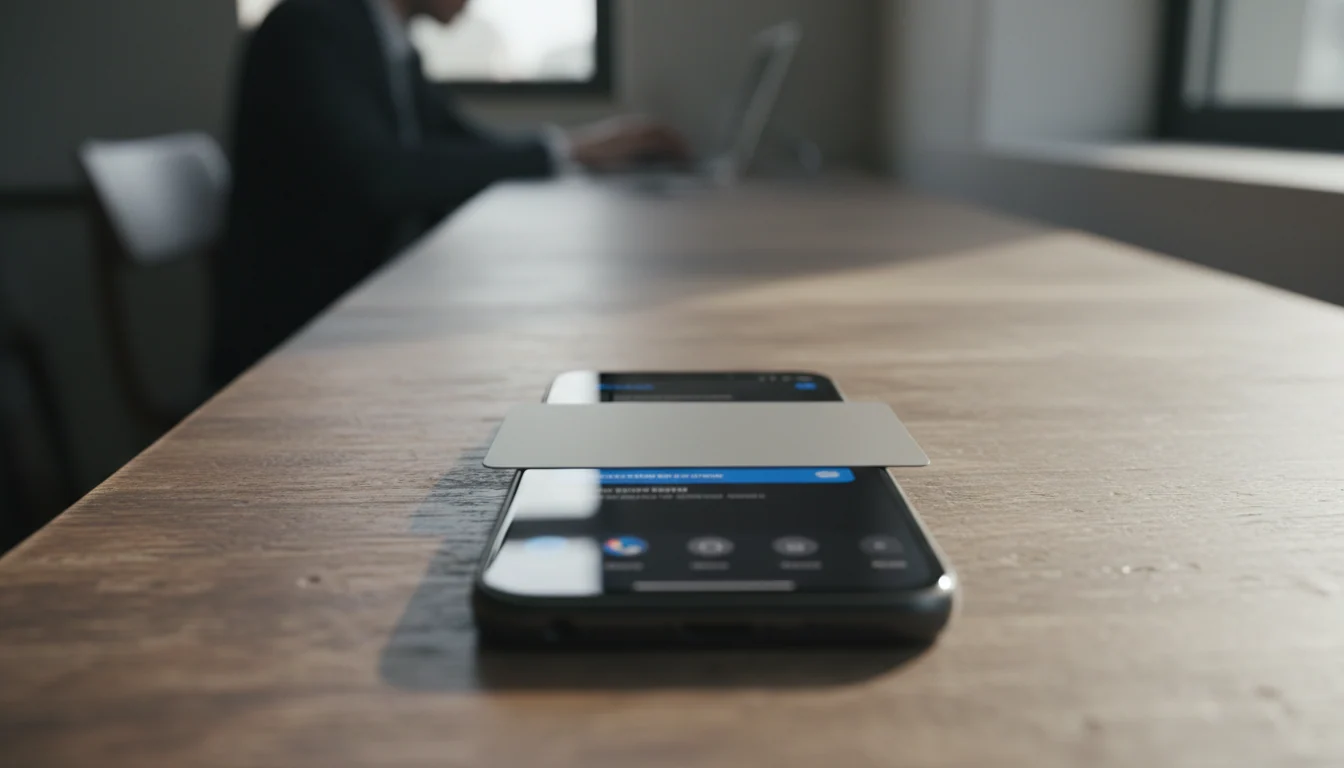
Since 20 November 2026 Signal by default blocks screenshots in its iOS 27 app and activates Screen Security on Android as soon as an AI assistant tries to read screen data. In our assessment, this shifts the security focus from the encrypted connection to the device and the operating system's access rights.
The Signal Technology Foundation explained the change in its announcement about protecting privacy. The trigger is the rise of AI features in mobile operating systems that can independently analyse screen content. The shift is fundamental: screenshot blocking was long a measure against human or system-based screen capture, but it is now also a defence against an AI agent that reads and processes an open chat.
What exactly did Signal change on iOS and Android?
On iOS 27 Signal blocks screenshots within the app. On Android Signal automatically switches on Screen Security when it detects that an AI assistant is trying to read screen data. The protection is on by default; users can turn it off, but in doing so they receive a warning that this could expose their own content and that of their contacts to AI agents.
The trigger lies in the operating system itself. In its overview of the iOS 27 updates, Apple describes screen understanding and visual intelligence features that let a user ask questions about what is on the screen, including screenshots. Signal therefore addresses iOS 27 specifically: the operating system offers AI features that can use screen and screenshot content.
Why does end-to-end encryption not protect against AI assistants on the screen?
End-to-end encryption protects a message while it is being transmitted between the communicating endpoints. But as soon as the authorised recipient opens the chat on an unlocked screen, the content is displayed in readable form. But as soon as the authorised recipient opens the chat on an unlocked screen, the content is displayed in readable form. In our analysis, an AI assistant that is permitted to analyse screen content then effectively sits behind the encryption, not in front of it.
That is the core point of this development. End-to-end encryption continues to protect the communication and storage, but does not necessarily prevent an authorised local feature from gaining access to content displayed on the screen. In our assessment, this shifts the security focus from the connection to the device: on that device, who has access to what is on the screen? That is a question about the operating system's access rights, not about cryptography.
What limitations does Signal's screenshot blocking have?
The announcement and Signal’s documentation identify several limits a decision-maker must know:
- Users can turn off the block. Whoever does so exposes not only their own messages, but also those of their conversation partners.
- The protection is device-bound. Screenshot blocking on your device does not prevent a conversation partner on another device from taking a screenshot.
- Screenshots are not the only route. In our analysis, once an agent captures the conversation, the resulting data may be processed through storage or services outside Signal’s control.
- Detection is not guaranteed. On Android Signal responds where it can recognise the access; it is no promise that every form of screen reading is noticed.
That leaves open the question the sources do not answer: to what extent does this measure prevent an AI assistant from reaching conversation content via a route other than the screen — for example stored media or notifications. In our assessment, that uncertainty is itself relevant: an organisation cannot assume the block closes off all access to conversation content.
What should directors, lawyers and CISOs do with this?
Our analysis: because readable content on the screen can fall outside the protection of encryption, CISOs must assess whether a confidential conversation is at risk as soon as an AI assistant on the device has screen access; therefore, in our assessment, they must inventory AI screen access as a separate data flow, alongside transport and storage security. Because users can disable the block and that also affects their contacts, a shared risk arises that one participant causes; therefore, in our assessment, organisations must set out in their phone and app policy which assistants, accessibility features, notifications and screenshot rights are permitted on devices with sensitive apps, and enforce this through device management rather than leaving it to the individual choice. Because the operation depends on the operating system and the version, a paper setting is no proof; therefore, in our assessment, those responsible must test the actual operation on the devices and OS versions employees use, before they rely on the protection. Because lawyers and doctors, under their duties of confidentiality, must handle the confidentiality of communication responsibly, it is advisable in our assessment that they inform clients and patients who communicate via Signal that disabling the block by either party has consequences for the whole conversation.
The broader interpretation: with a block enabled by default, Signal is trying to place an additional boundary around screen access that, according to the cited context, is not automatically guaranteed by the operating system. In our assessment, this shifts part of the responsibility to the app developer: whoever processes sensitive communication can no longer rely on the platform to limit AI screen access, but must decide for themselves what an assistant may capture from the screen. The same applies, in our assessment, to organisations that build their own apps with confidential data.
In practical terms, in our analysis this comes down to a limited checklist for decision-makers:
- Inventory which AI assistants and accessibility features have access to apps with confidential data.
- Set out per device class which screen protection must be on and manage this centrally, as with limiting the authority of AI agents.
- Test the actual operation on the relevant OS versions; compare this with the approach around why a recording safeguard is not watertight with AI devices.
- Also check local storage, notifications and synchronised media as a possible alternative route, alongside the visible chat.
- Inform users with a duty of confidentiality about the consequences of disabling the block.
This development fits a broader pattern around AI privacy and GDPR in practice, in which choices such as settings for chat history and AI training in Gemini also show that, in our assessment, access to content, not only its encryption, determines the real privacy boundary.
Sources and references
Sources: The article relies on the announcement by the Signal Technology Foundation, Apple's official iOS 27 documentation and the Signal Support explanation of Screen Security.